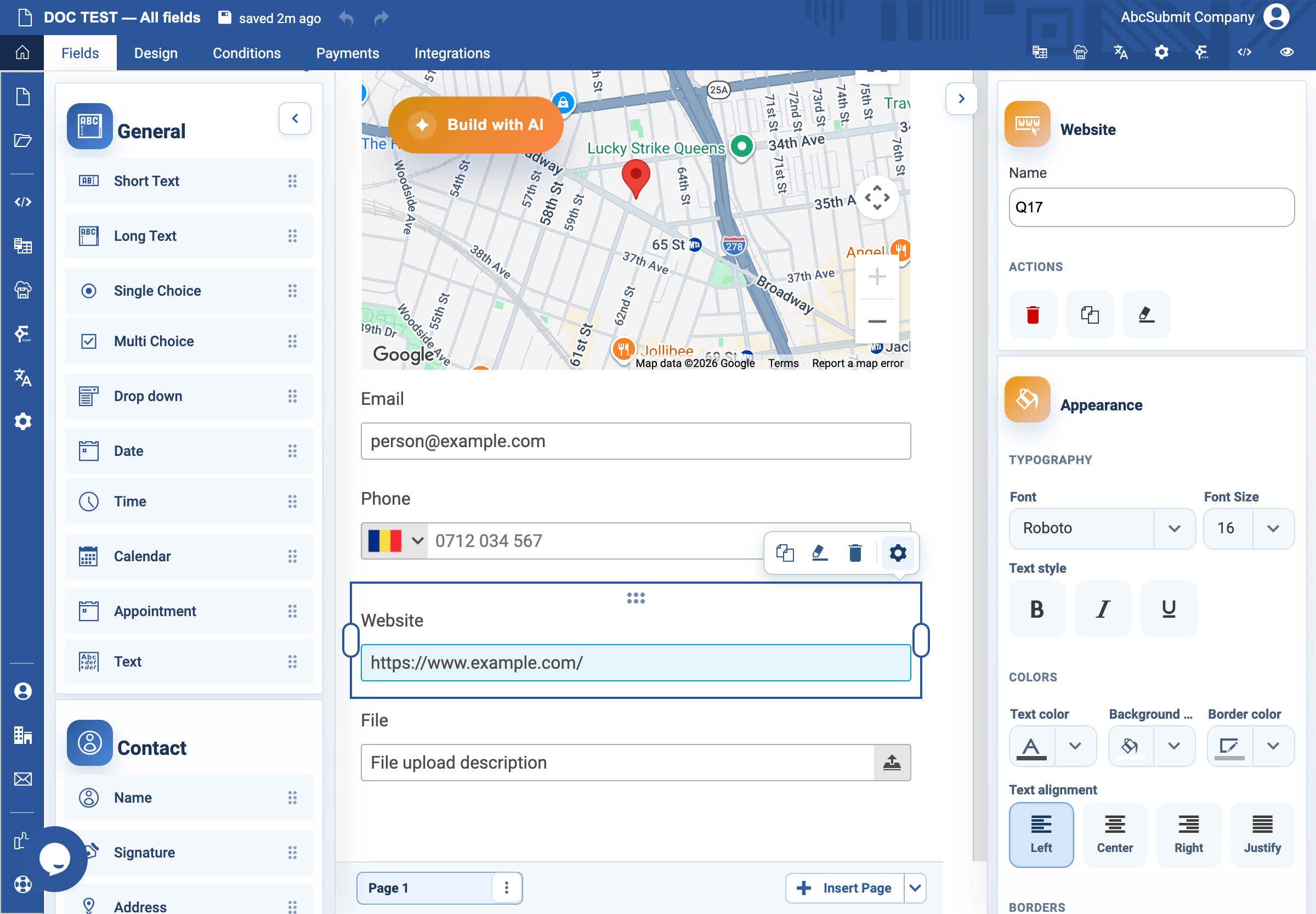
Appearance
Website field
Use Website when the expected answer is a URL.
Example: portfolio URL
- In Fields > Contact, select Website.
- Select the field and open Edit.
- Set the label to
Portfolio URLand Name toportfolio_url. - Set the placeholder to
https://www.example.com/. - In Validation, choose the URL accepted-data format.
- Turn on Required Field only when a website is essential to the request.
- Set Custom error text to
Enter a full website address beginning with https://. - Preview once with a complete URL and once with an incomplete address.
The field checks URL format, not whether a destination is safe, reachable, or owned by the respondent.