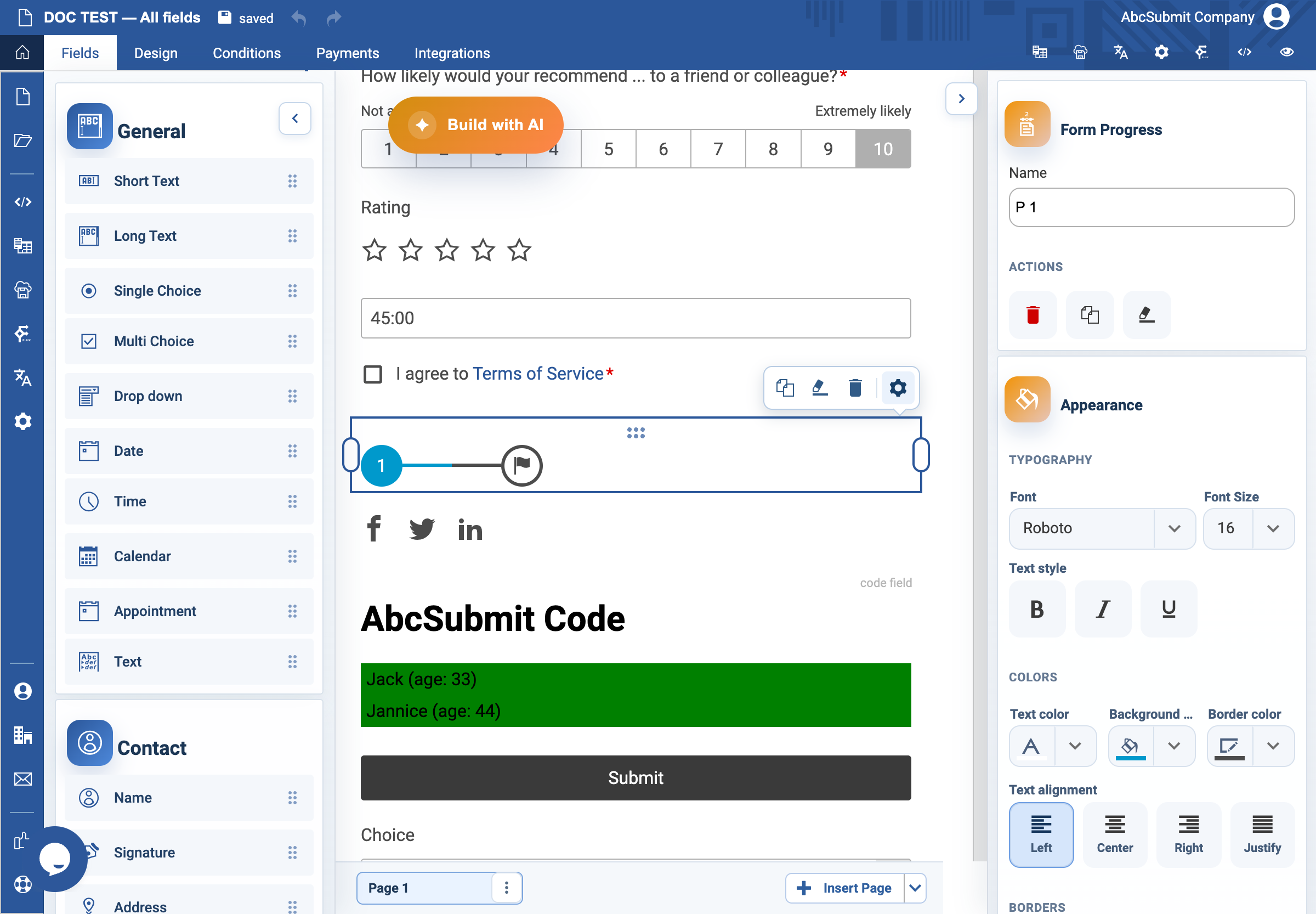
Appearance
Form Progress field
Use Form Progress in a multi-page form to show progress and, optionally, enable page navigation.
Example: four-step application
- Create and name the form pages before adding progress, for example
Contact,Eligibility,Documents, andReview. - Select Fields > Other > Form Progress and place it at the start of the first page.
- Open Edit and turn on Step numbers and Page names if both make the process clearer.
- Turn on Free navigation only when a user can safely return to an earlier page without bypassing a required sequence.
- Preview every page. Check the current step, labels, and backwards/forwards navigation.
Expected result
The respondent can understand where they are in the form. If free navigation is enabled, dependent validation and conditional pages still work correctly.