Appearance
Phone Number field
Use Phone Number when you need a telephone number.
Example: optional callback number
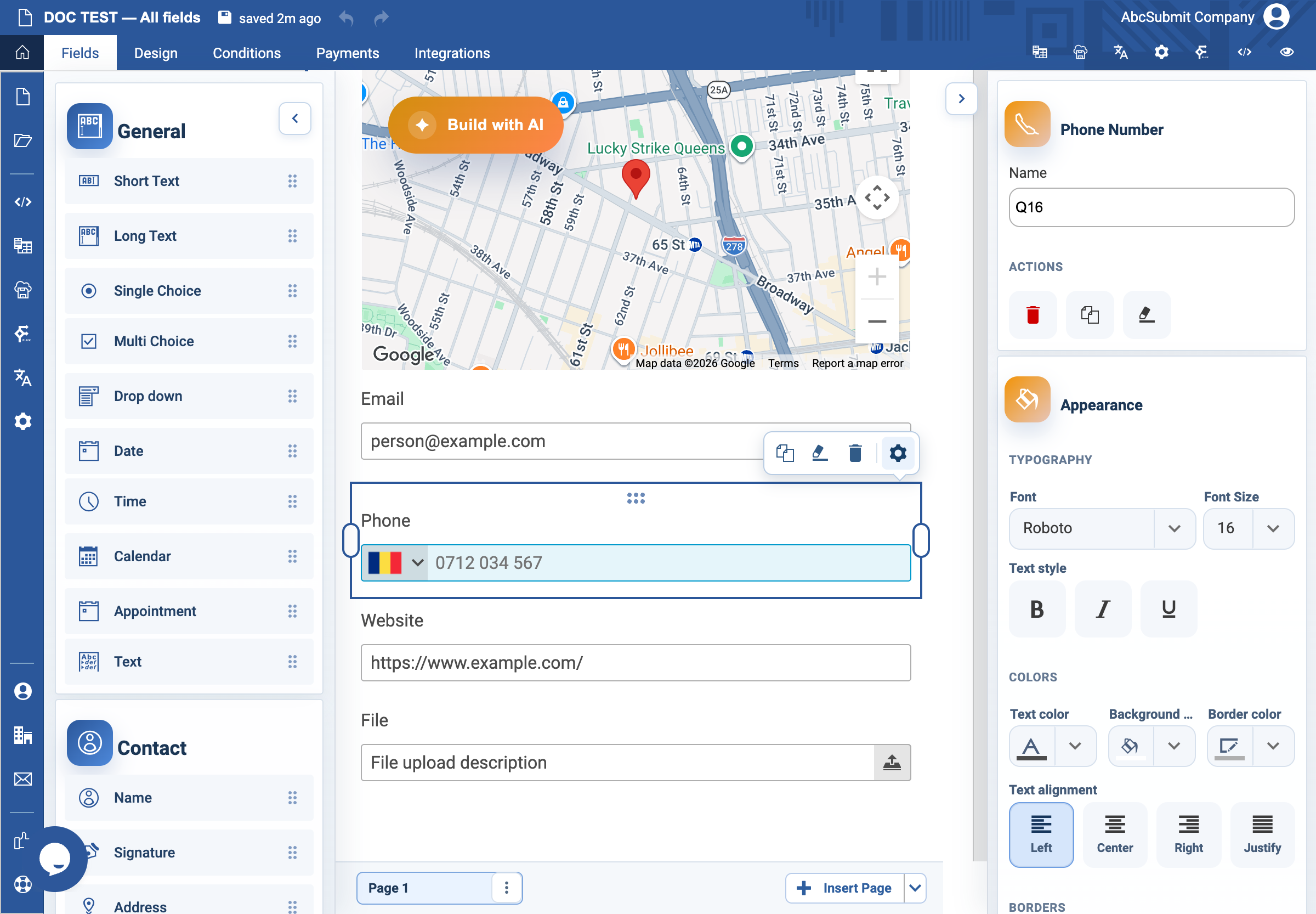
- In Fields > Contact, select Phone Number.
- Select the field and open Edit.
- Set the label to
Callback phone numberand Name tocallback_phone. - Leave Required Field off unless telephone contact is necessary.
- Optionally set a local placeholder, such as
+40 7xx xxx xxx; otherwise the field can show a country-appropriate sample. - If a format is required, enter a custom error such as
Include the country code, for example +40 7xx xxx xxx. - Preview the field at desktop and phone-sized widths.
A manual placeholder takes precedence over the automatic sample. Put important format instructions in the label or supporting text, not only in the placeholder.